
Media Reveal – 16 Effects
Sixteen ways for a picture to turn into content. Move the mouse over a picture (tap it on touch devices). The effect is chosen solely by the class media-reveal--name on the figure.
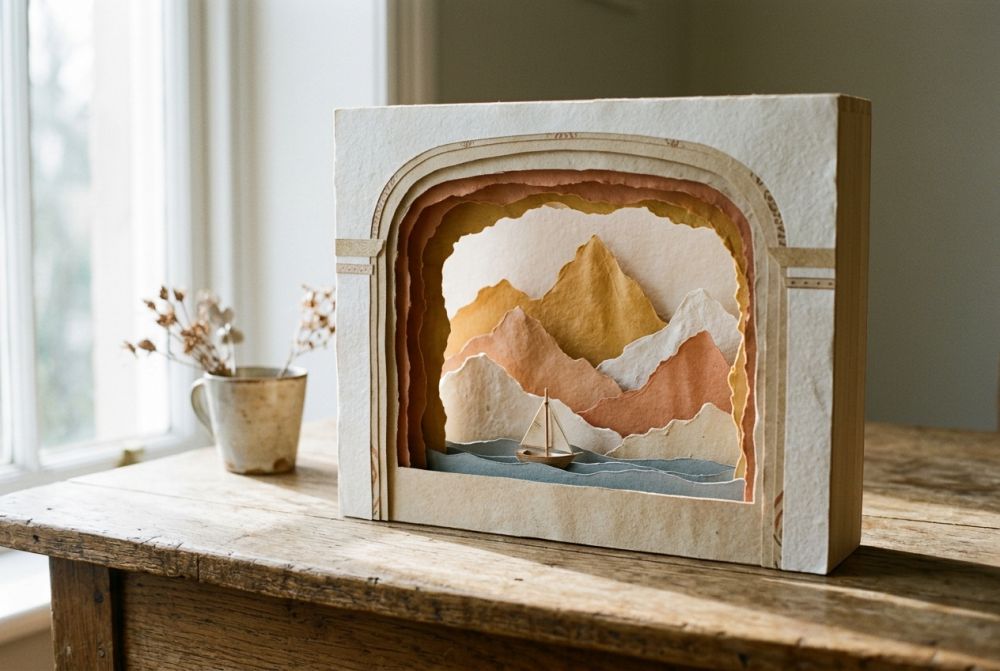
Behind the Picture
This is the content that sits behind the picture: text, an explanation, a link or a second picture.
Behind the Picture
This is the content that sits behind the picture: text, an explanation, a link or a second picture.
Behind the Picture
This is the content that sits behind the picture: text, an explanation, a link or a second picture.
Behind the Picture
This is the content that sits behind the picture: text, an explanation, a link or a second picture.
Behind the Picture
This is the content that sits behind the picture: text, an explanation, a link or a second picture.
Behind the Picture
This is the content that sits behind the picture: text, an explanation, a link or a second picture.
Behind the Picture
This is the content that sits behind the picture: text, an explanation, a link or a second picture.
Behind the Picture
This is the content that sits behind the picture: text, an explanation, a link or a second picture.
Behind the Picture
This is the content that sits behind the picture: text, an explanation, a link or a second picture.
Behind the Picture
This is the content that sits behind the picture: text, an explanation, a link or a second picture.
Behind the Picture
This is the content that sits behind the picture: text, an explanation, a link or a second picture.
Behind the Picture
This is the content that sits behind the picture: text, an explanation, a link or a second picture.
Behind the Picture
This is the content that sits behind the picture: text, an explanation, a link or a second picture.
Behind the Picture
This is the content that sits behind the picture: text, an explanation, a link or a second picture.
Behind the Picture
This is the content that sits behind the picture: text, an explanation, a link or a second picture.
Behind the Picture
This is the content that sits behind the picture: text, an explanation, a link or a second picture.
<figure class="media-styled media-rounded media-shadow media-reveal--curtain">
    <img src="/sites/default/files/…/picture.jpg" alt="Description">
    <figcaption><span class="media-title">Optional caption</span></figcaption>
    <div class="media-reveal">
        <h3>Heading</h3>
        <p>The content that sits behind the picture.</p>
    </div>
</figure>Click Mode
With data-reveal-trigger="click" the content stays open until it is clicked again. By keyboard: Tab, then Enter or Space opens, Esc closes.
Behind the Picture
This is the content that sits behind the picture: text, an explanation, a link or a second picture.
Behind the Picture
This is the content that sits behind the picture: text, an explanation, a link or a second picture.
Behind the Picture
This is the content that sits behind the picture: text, an explanation, a link or a second picture.
Behind the Picture
This is the content that sits behind the picture: text, an explanation, a link or a second picture.
<figure class="media-styled media-rounded media-shadow media-reveal--door" data-reveal-trigger="click">
    <img src="/sites/default/files/…/picture.jpg" alt="Description">
    <div class="media-reveal">
        <h3>Heading</h3>
        <p>Text with a <a href="/en">link</a> – clicking links does not close the panel.</p>
    </div>
</figure>